Ticketing for the masses.
Every support call in one place — logged from the portal, email, your website or by an agent, categorised, prioritised and tracked against each customer's SLA. With support hours, time logging and billing built in, you always know what a customer is owed and what has been used.
Three roles, clear boundaries
Admins configure. Agents resolve.
Customers stay informed.
Service AdminROLE_SERVICE_ADMIN
Service Agent ROLE_SERVICE_AGENT
Service CustomerROLE_SERVICE_CUSTOMER
Admins own SLAs, services and charging approvals. Agents work the queue and log their hours. Customers raise calls, follow progress and see their remaining support hours — nothing more.
01
Calls arrive from everywhere. They all land here.
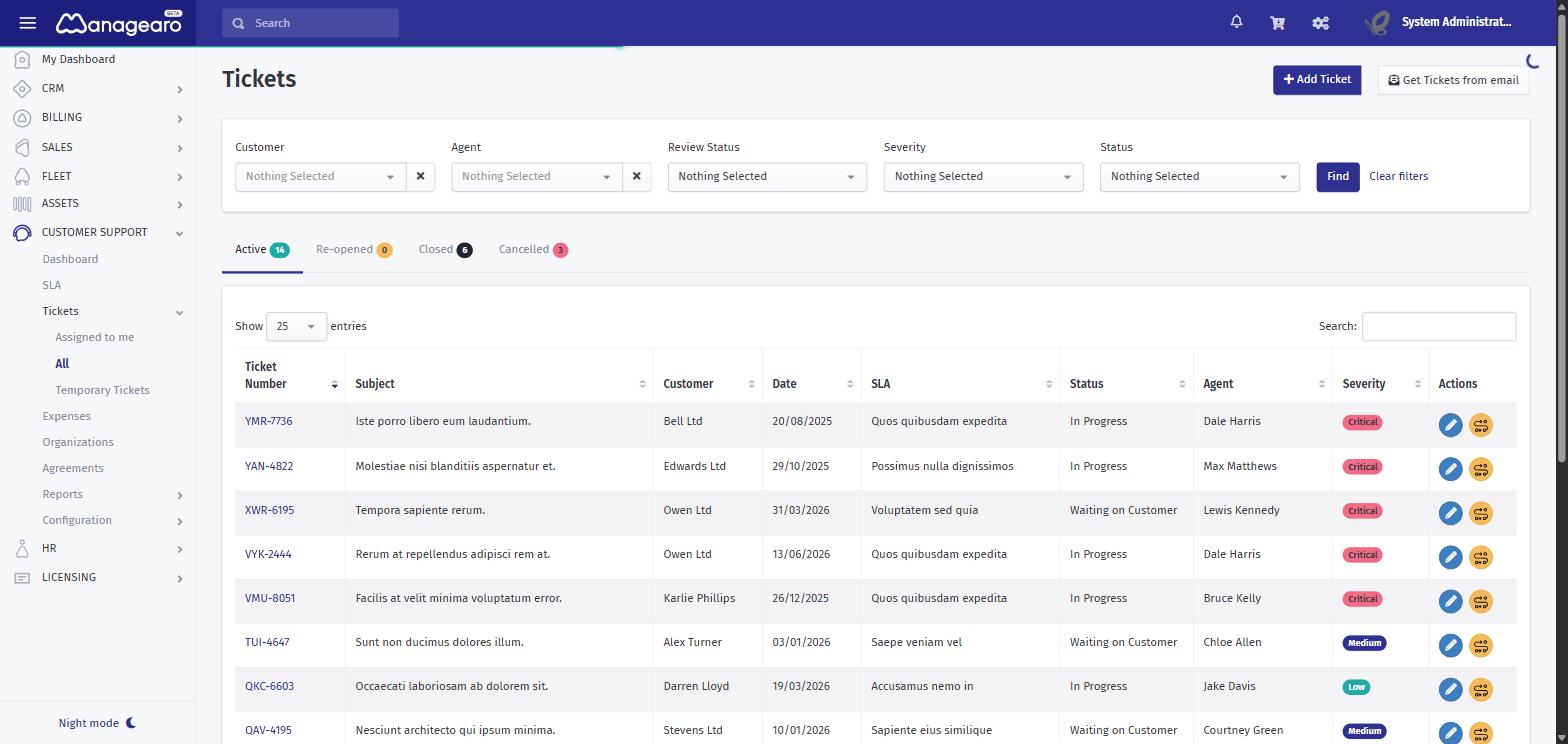
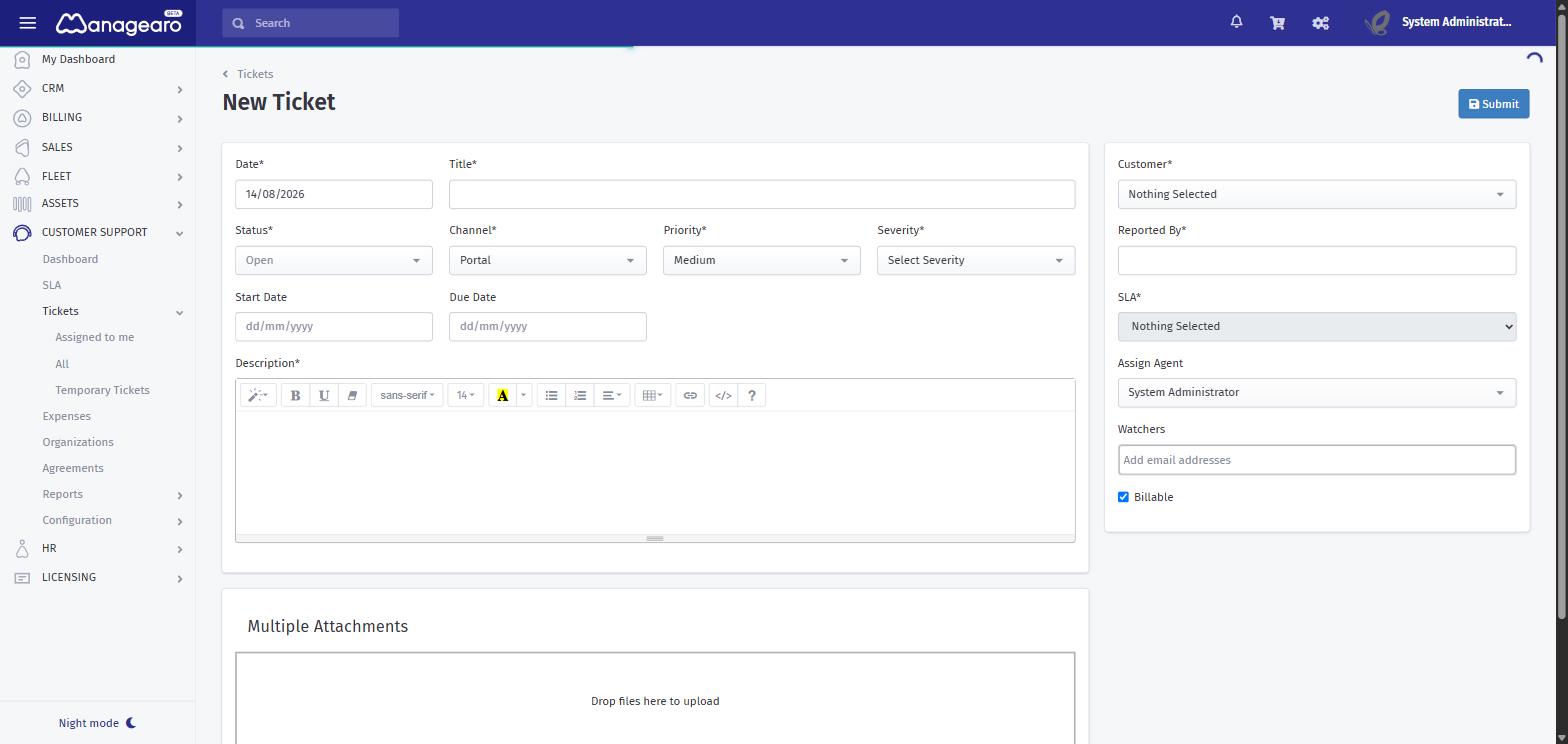
Customers submit through the self-service portal or your website, email straight into the queue, or an agent records a call by hand while still on the phone. Same record, same workflow, whichever door it came through.
02
A call record that leaves nothing to guesswork.
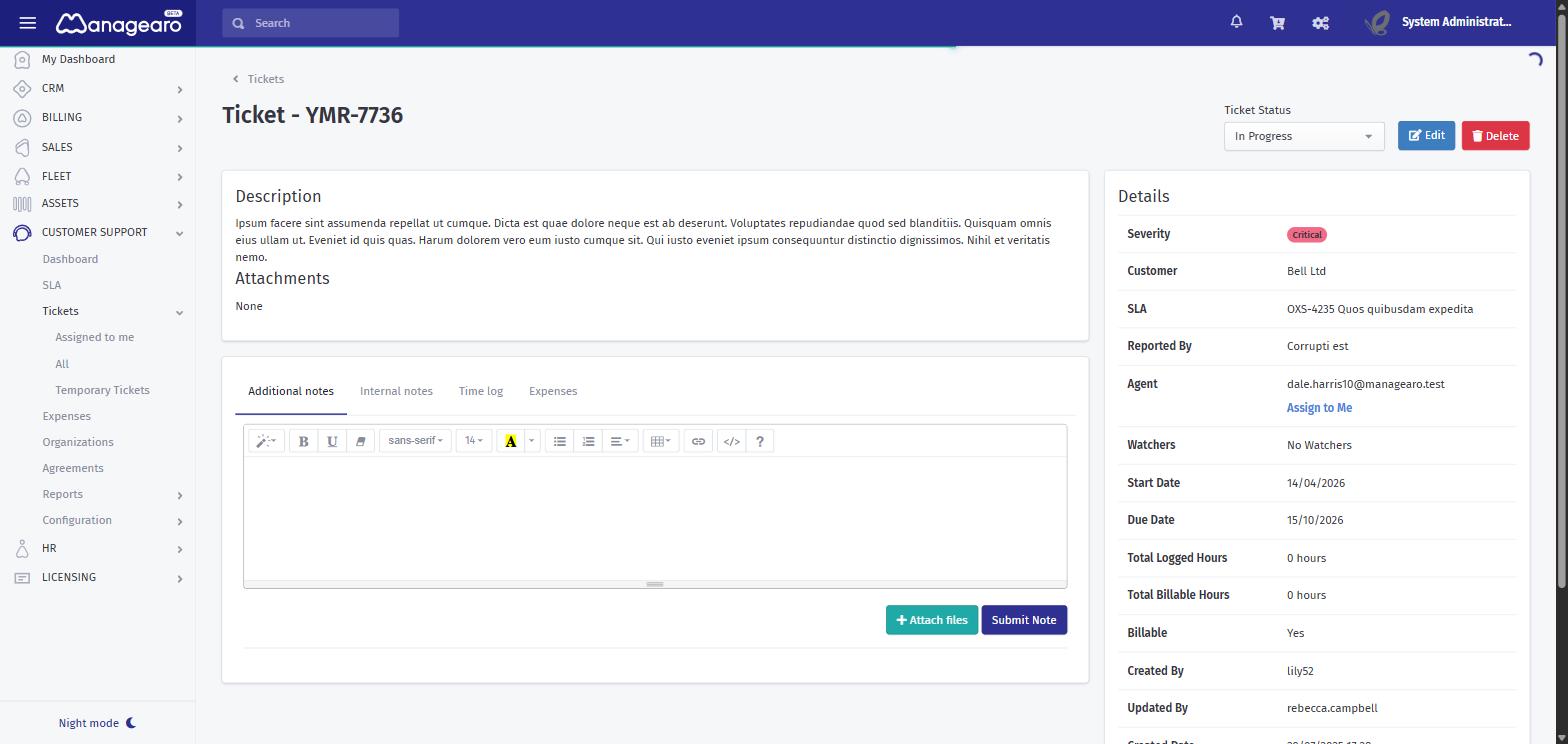
Multi-level categorisation, status, priority, severity, type, organisation and a chargeable flag — plus attachments and a full comment history between agent and client. Assign one agent or a whole team, and watch the call move through its lifecycle.
03
Organisations, not
just email addresses.
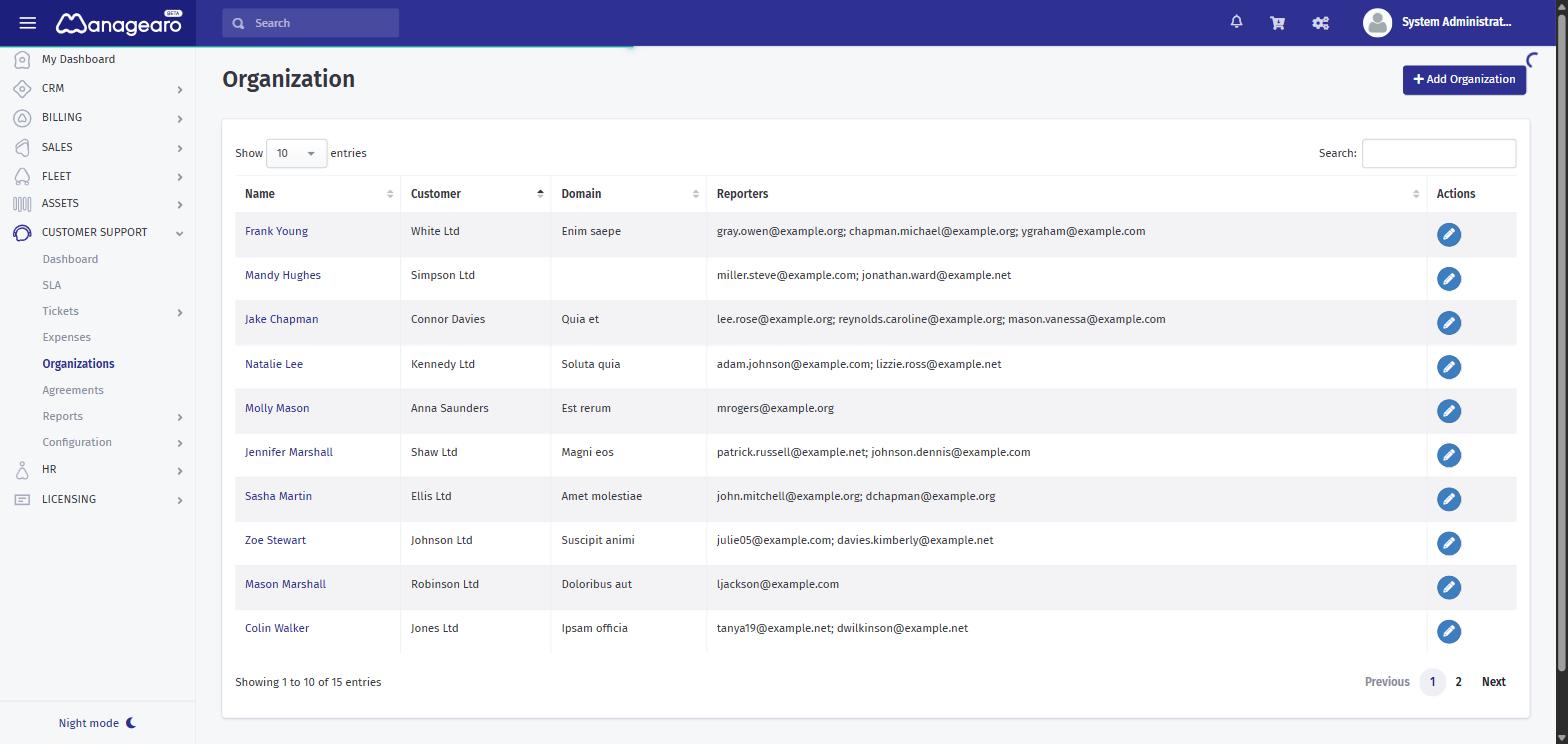
Every call sits under a customer organisation, so history, SLAs and hours roll up where they belong. Choose whether anyone on the customer’s email domain can open a call, or only the named users you’ve listed.
04
An SLA per customer —
and it's watching the clock.
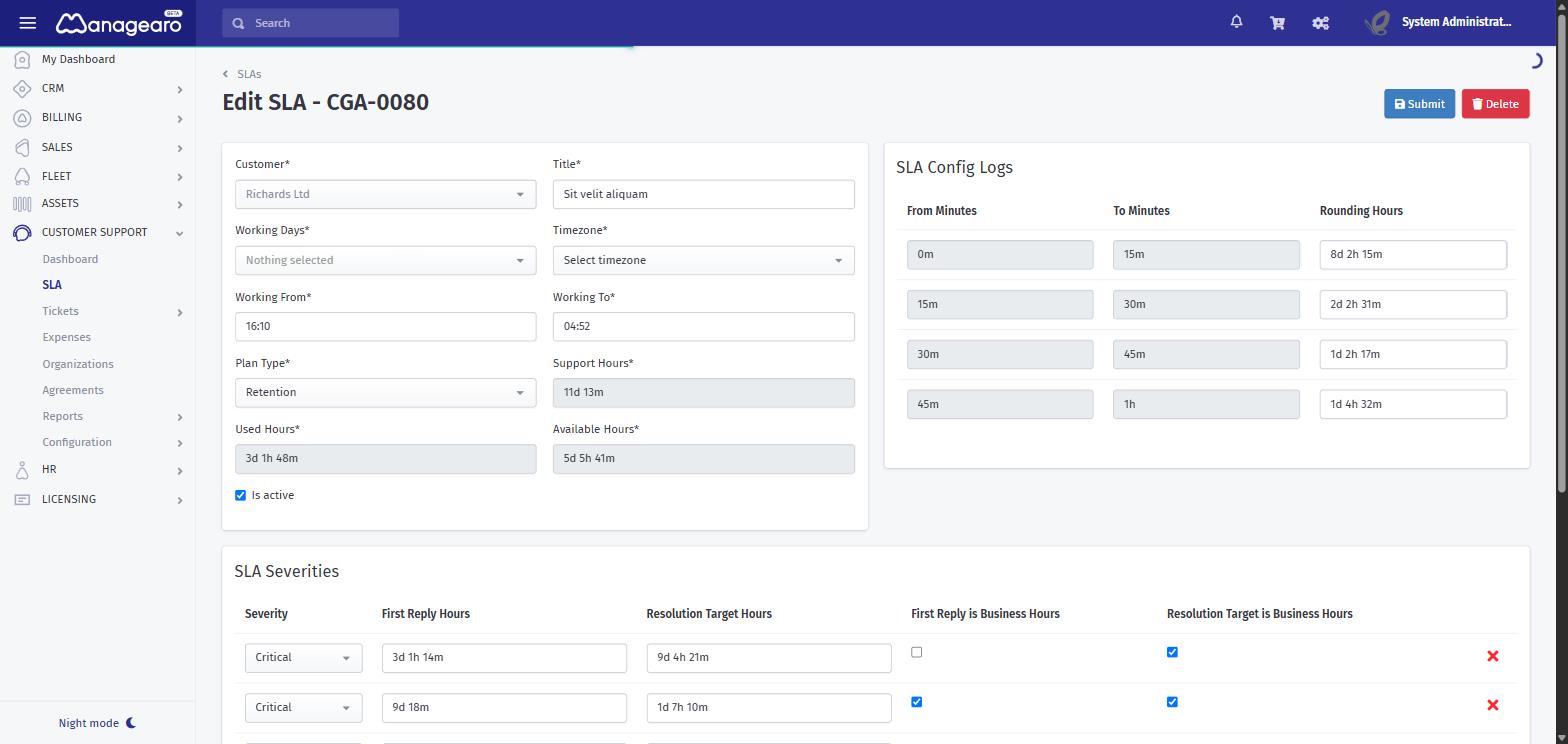
Each customer gets their own agreement defining response times by severity. Calls approaching or past their target surface automatically, so overdue work is impossible to miss. Admins can specify which SLA a call is created against.
05
Log the work. See the total.
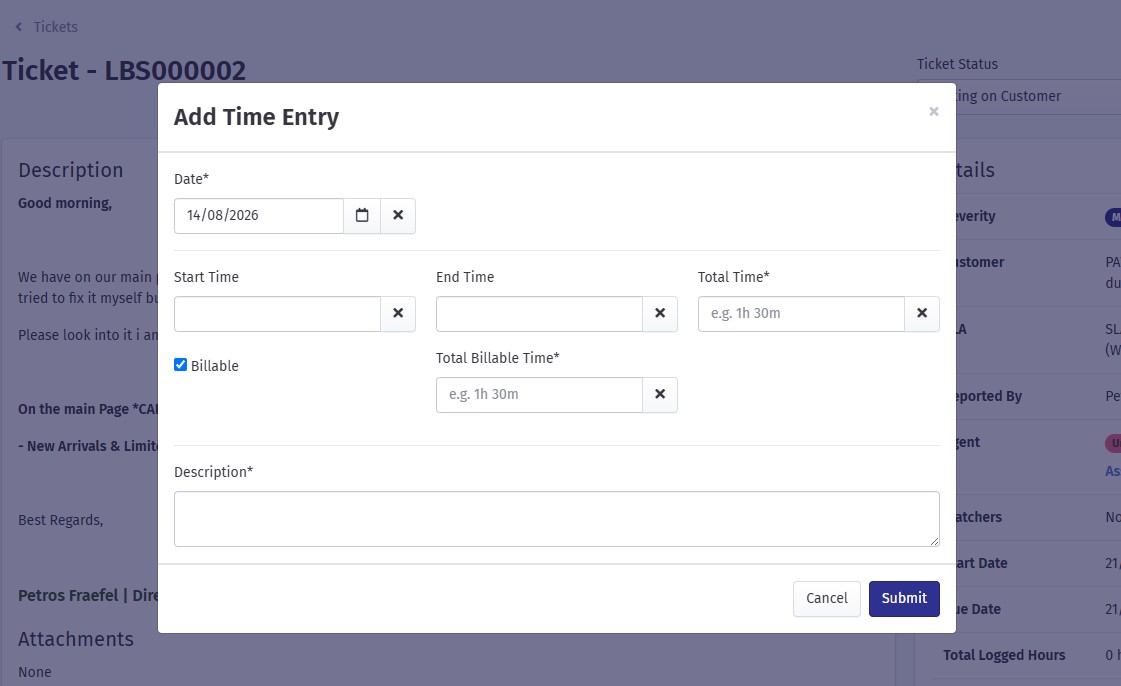
Agents record work hours as they go and the call shows the running sum — the same figures that draw down a customer’s purchased support hours and feed straight into billing.
06
The numbers management actually asks for.
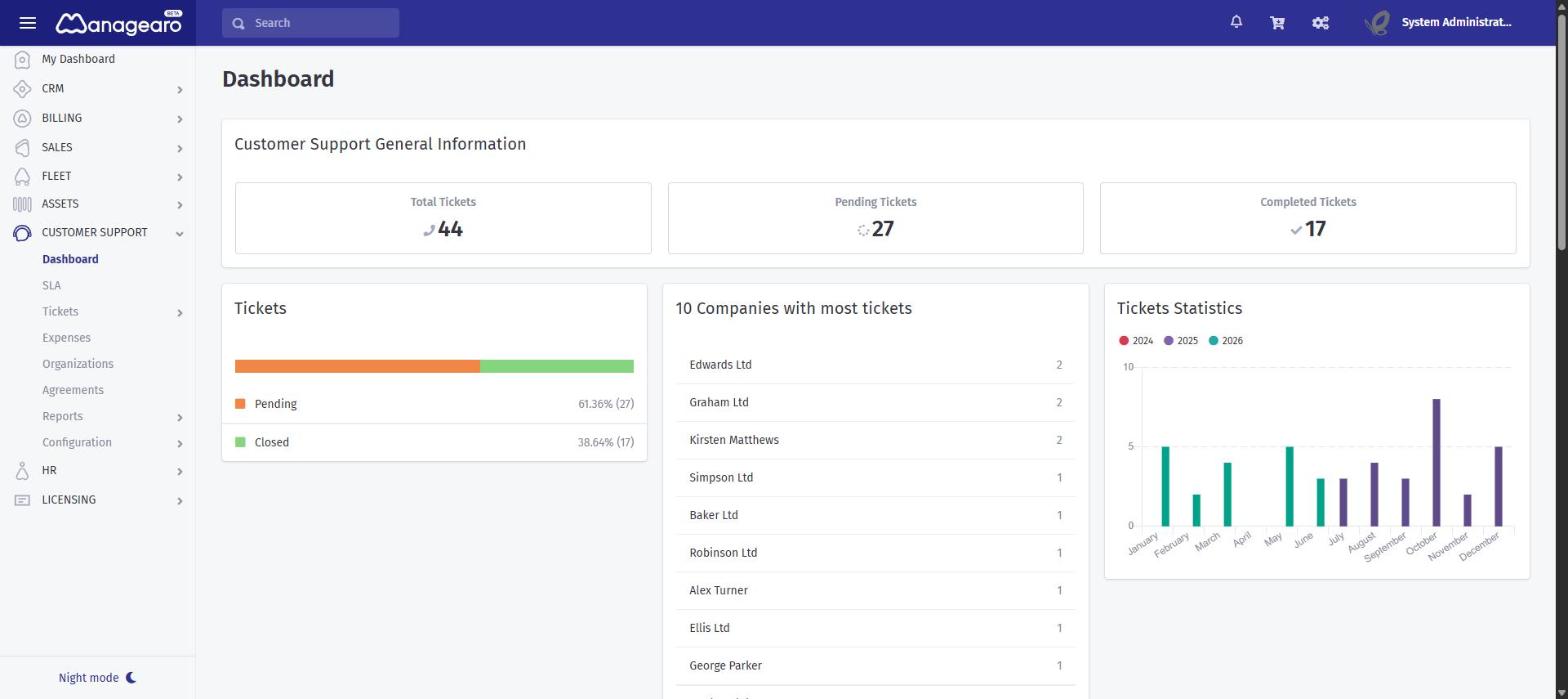
A dashboard across calls, agents, SLAs and hours consumed, with reports per organisation and service. Charging over the agreed hours goes through an admin approval step, so nothing is billed by accident.


 Critical
  High
High  Medium
  Low
Low